Tell us on Google.
Get the review while it’s fresh.
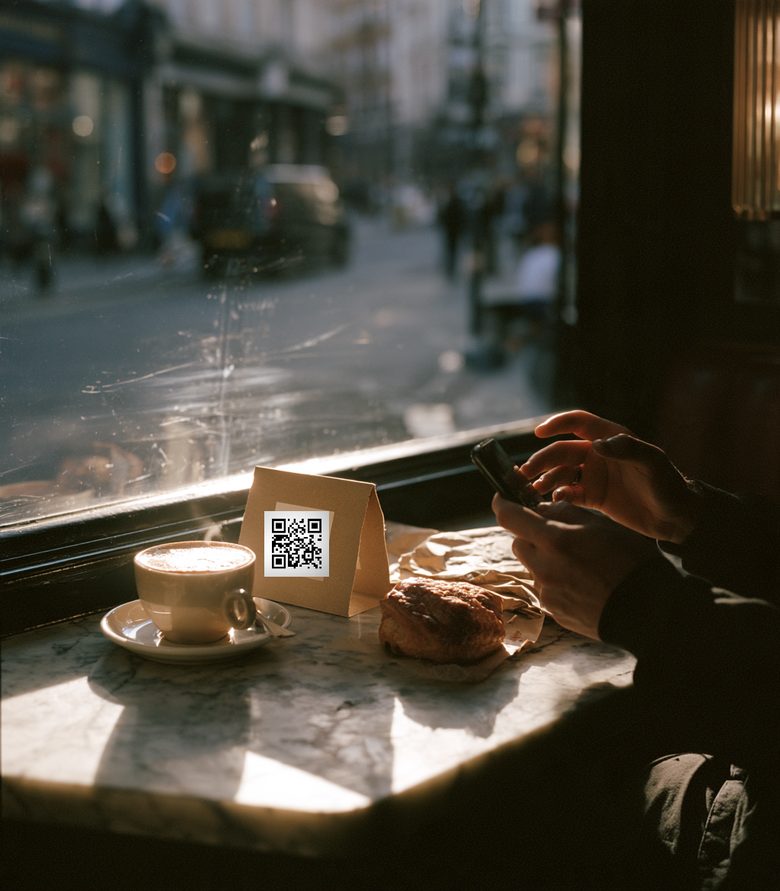
A Google review shortcut opens your review form in one step, at the table, before the coat goes on.
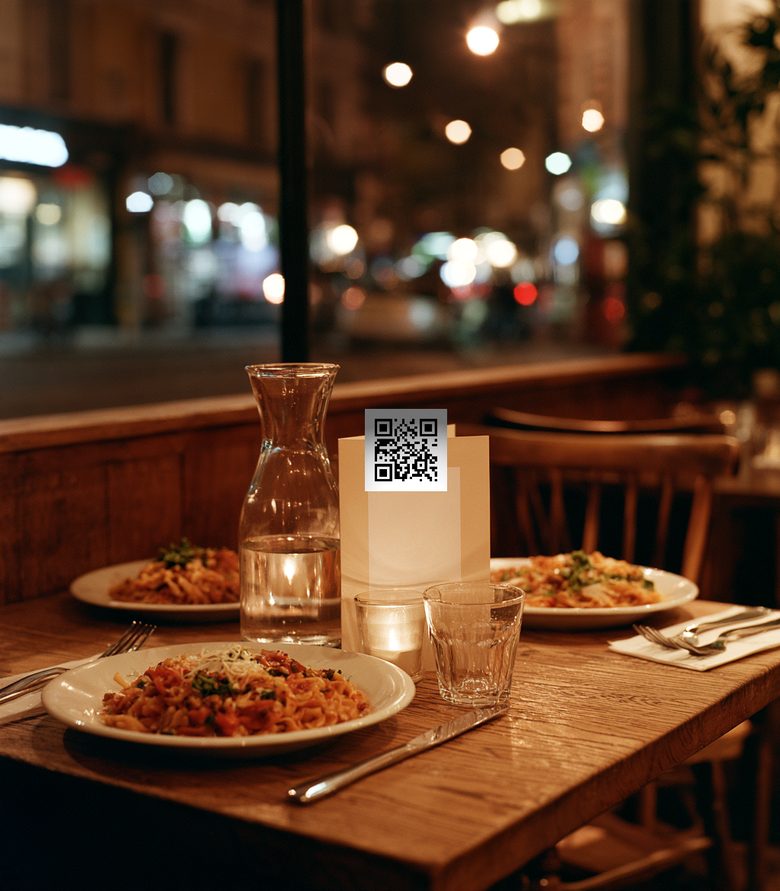
Put one code on every table. It opens breakfast until half eleven on weekdays, lunch until three, dinner from half five, and your full menu in between. Change a dish at five o’clock and every table is right before the first cover.
Example: Vireo Café, Old Compton Street, a sample workspace. Scan counts are its last 30 days.
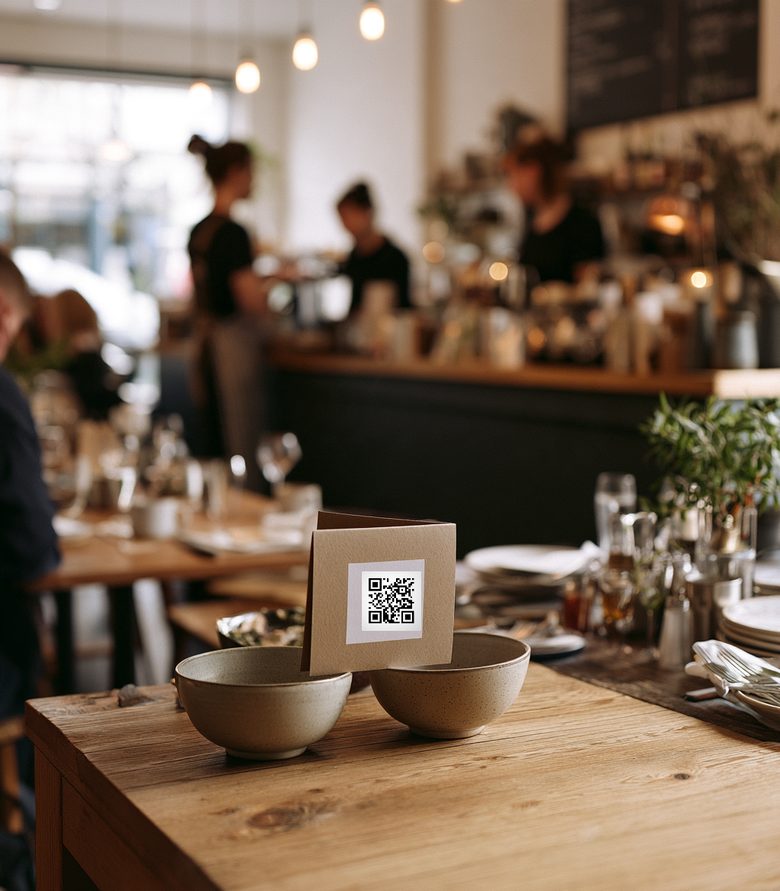
The receipt asks for a review while the meal is still warm. The window books the table. The bag takes the next order. Your brown, your terracotta, your logo.
A Google review shortcut opens your review form in one step, at the table, before the coat goes on.
If this is one of the first 100 scans, send to /offer/coffee. After that, /book.
If the time is 22:30–07:00, send to /order/tomorrow. Otherwise, /order.
Start from the “Restaurant day parts” template, then send a test scan for any day and time. You see which menu a guest would get, and why, before anyone sits down. Rules run on London time, so the clocks going back changes nothing on your tables.
No rule covers 15:00 to 17:30, so the code opens your full menu. Guests never land on an error page.
The clocks went back on Sunday 25 October. Rules follow London time, so breakfast still starts at 07:00.
Lunch is the busiest menu, and 12:40 the busiest minute.
The dashboard is built for a phone first. See which menus people opened, how many reached your review form and whether the window offer has run out, in the time it takes to restock the pass.
Change a menu link from the same screen. The tents on the tables stay exactly as they are.
14 days, no card needed. Choose “restaurant” when you start and qurl sets up the day-part template.